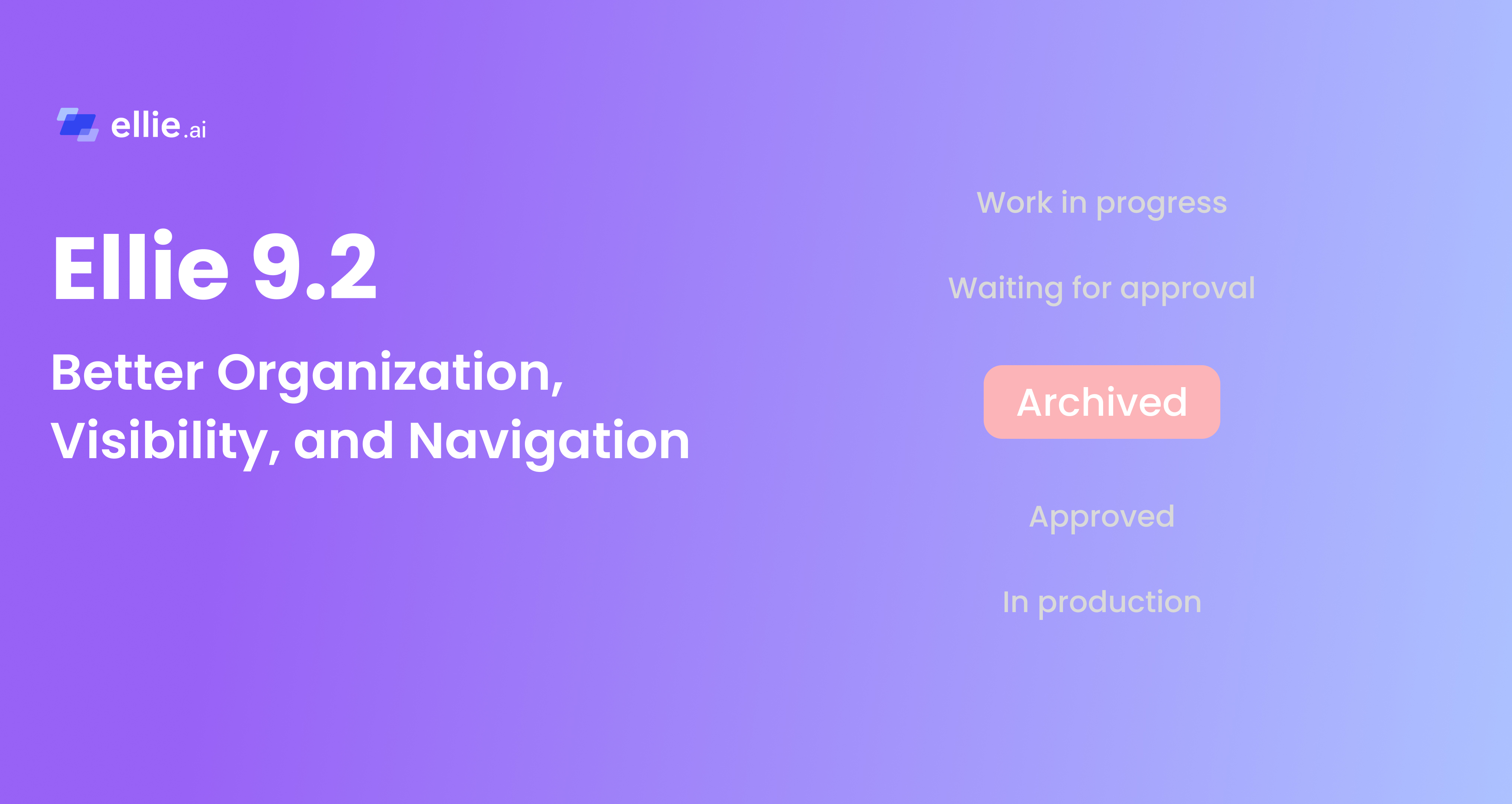

This release introduces a set of improvements to help you better organize, navigate, and manage your assets at scale.
It includes a new Archive status, along with filtering improvements and UI updates that make working with large models more structured and easier to navigate.
Not everything should be deleted — but not everything should stay active either.
With the new Archive status, you can now mark assets as phased out without removing them entirely. This is especially useful when:
Archived assets remain accessible but are treated as inactive.
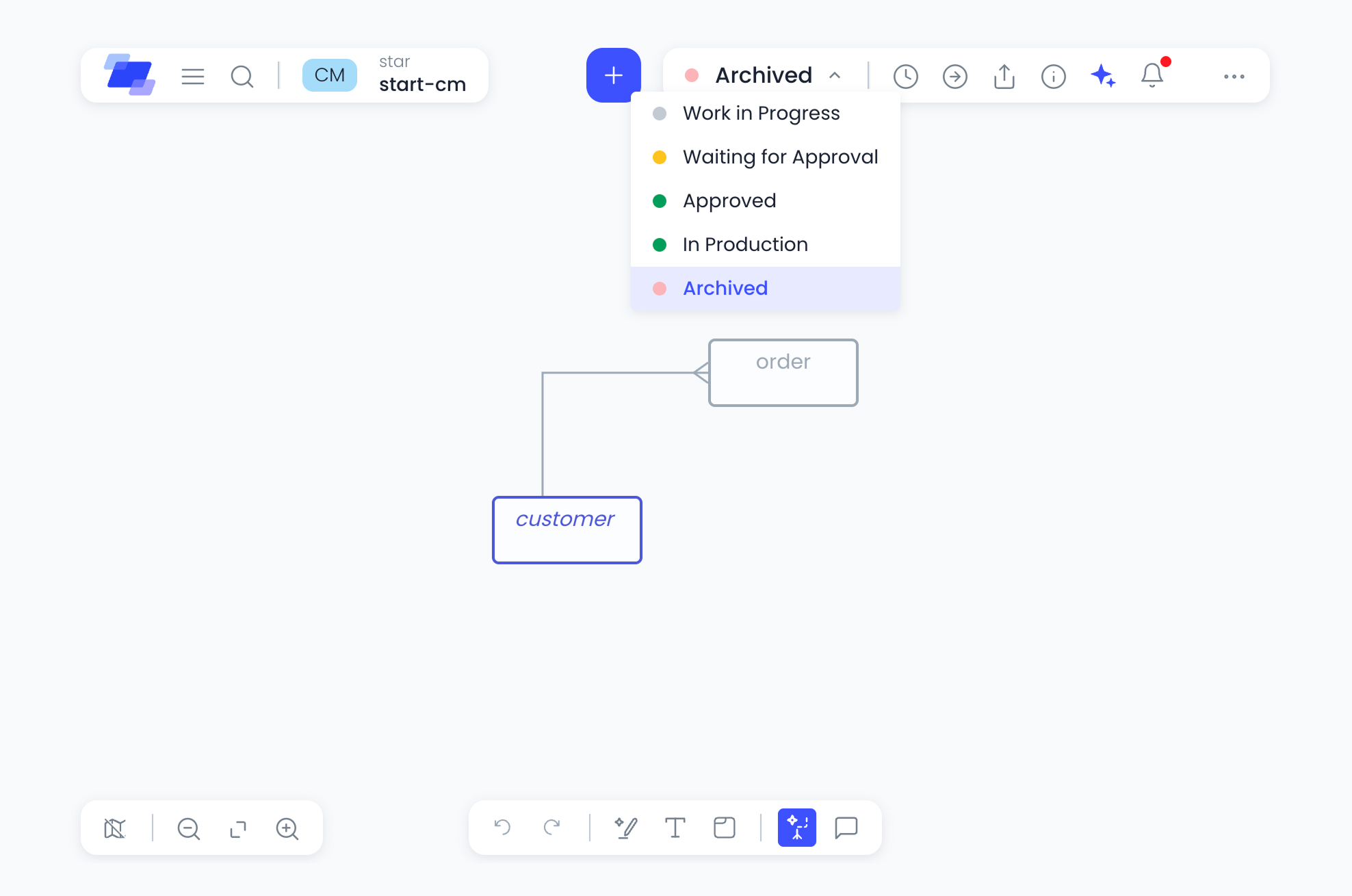
To support the new Archive status, we’ve introduced enhanced filtering capabilities across key areas of Ellie.
By default, archived assets are hidden, helping you focus on what’s currently relevant.
You can now filter assets in:
This gives you more control over what you see when managing assets in folders and reviewing related items. In addition to archive status, other useful filters are also available to help you quickly narrow down assets when needed.
Alongside filtering, we’ve made several usability improvements to enhance your day-to-day workflow.
You can now switch between card view and list view on folder pages.
List view is ideal when:
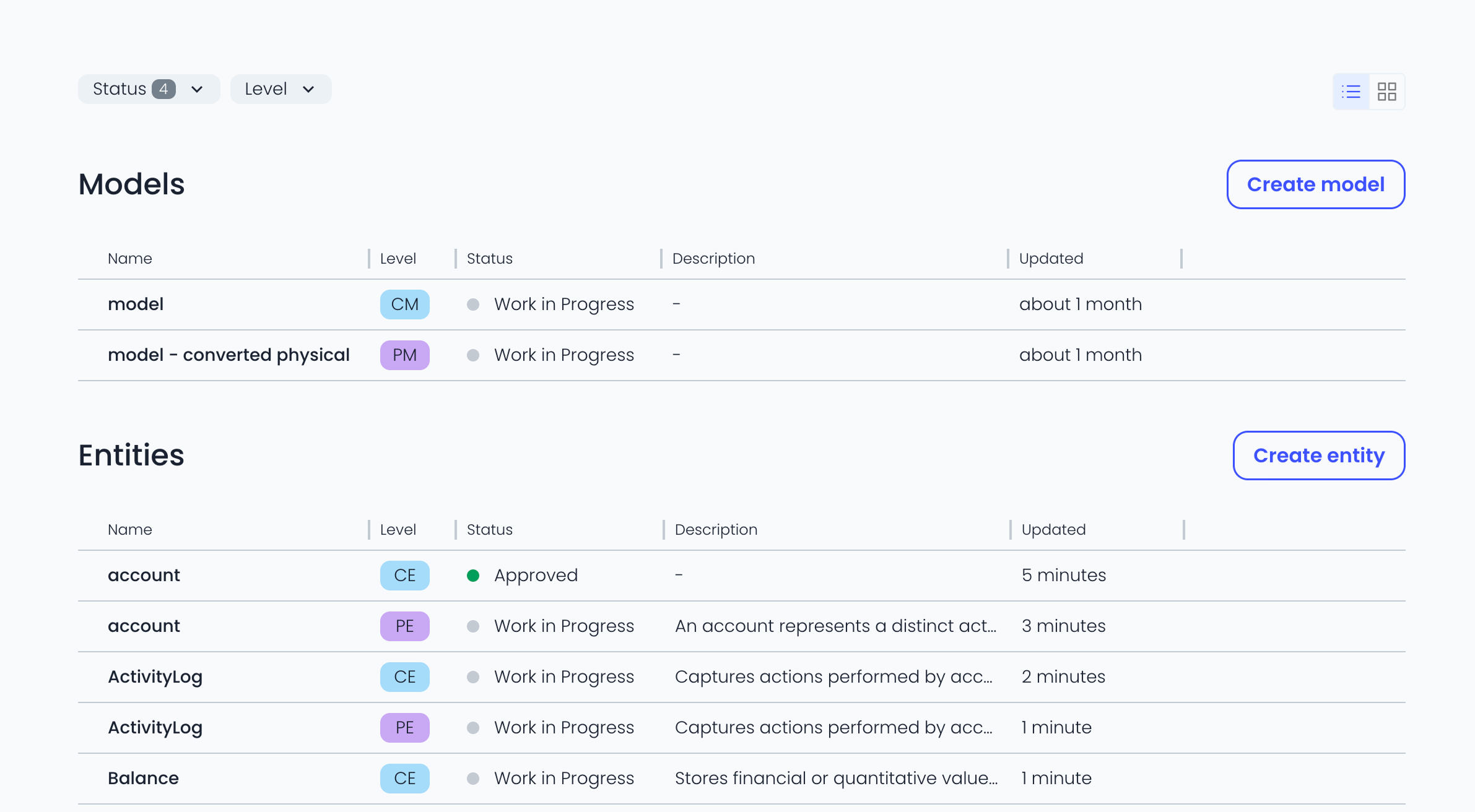
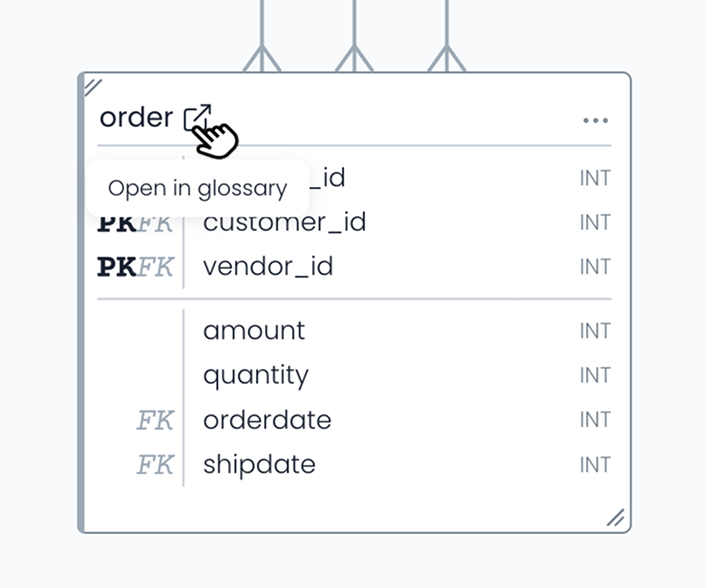
Accessing glossary information is now quicker and more intuitive.
A dedicated icon button lets you open asset details in a single click — reducing friction and speeding up exploration.
We’ve also introduced an endpoint to expose the swagger.json.
In addition to the existing HTML documentation, the swagger.json gives you a more flexible way to work with Ellie’s API.
Instead of just reading the docs, you can now easily plug the API into your tools, reuse it across systems, and streamline how you build integrations.
This makes it easier to integrate Ellie with your existing workflow and reduces manual setup when working with APIs.
As always, we’d love your feedback.
Stay tuned for more updates coming soon.





.jpg)